
You asked AI to write UI testsAI wrote slop
playwright-cli fixes it by giving AI agents “eyes” to see and interact with a browser.
Join The Playwright AI Workflow, a live workshop for QA Automation Engineers and SDETs. AI writes the tests. You lead it.
- Live workshop — AI writes tests, you lead it
- Session replay included
- Prompts, setups & session notes
- 600+ QA engineers community
Not a beginner Playwright class. You already need to know how to write automation code.
Workshop presentation
See what the workshop covers before you join
This short video breaks down the problem, the workflow, and what you will walk away with.
Built by a Principal SDET with 10+ years in QA automation
Trusted by 600+ QA engineers in the private community
Most QA engineers start with AI the same way.
And hit the same wall every single time.
- 01
Open the app and hunt for locators in DevTools.
- 02
Paste them into ChatGPT or Cursor and ask it to write a test.
- 03
Run it.
- 04
Spend the next two hours fixing broken selectors, missing assertions, and timing failures the AI had no way to predict.
Here is why it always fails:
AI never inspected the whole page.
It does not know which elements exist, which ones are interactive, or how they relate to each other.
There is no auth, no session, no setup.
Real applications need login, cookies, and URLs. AI has none of that context.
The AI has never seen the page.
Knowing element selectors is not enough. A real test flow can span 10 steps across 10 pages. That is 10 screenshots the AI never took.
The fix
playwright-cli Gives AI Agents a Browser Access
It fixes every problem above.
The agent can open the app, inspect live DOM, read what elements exist, navigate multi-step flows, and capture the actual page state at every step. It sees auth. It sees the UI. It writes tests from real interaction data.
Agnostic across AI agents, languages, and testing frameworks.
It is a CLI tool. Any agent that can run shell commands can use it. Any language. Any testing framework. playwright-cli sits above your current tech stack. You do not replace anything. You just give your agent browser access on top of whatever you already have.
Why not Playwright MCP?
playwright-cli is the successor to Playwright MCP. No reason to learn the old one.
AI-first
playwright-cli is a next-generation tool built specifically for AI.
You are not the user. Your AI agent is.
playwright-cli was built to be operated by an AI coding agent, not by you directly. You lead. The agent codes.
No resource teaches this yet.
This pairing of AI coding agent and playwright-cli did not exist a year ago. Very few engineers know how to do it well. There is no tutorial for how to build AI workflows for AI Coding Agents + playwright-cli.
That makes it a rare, in-demand skillset. Teams are looking for engineers who can lead this. Managers want to hire them. Being early means being the expert.
That is why I built The Playwright AI Workflow.
The only workshop that teaches you how to make an AI coding agent use playwright-cli correctly.
The agent sees the page. Now it can write the test.
You learn how to connect playwright-cli to your AI coding agent so it has live browser access to the app. It inspects elements, reads DOM state, and tracks what actually happens as the agent navigates through a flow.
You leave with a setup running in your own repo.
Full walkthrough, start to finish. Copy-paste instructions and working configuration you drop into your work repository the same day and start using playwright-cli right away.
Lifetime access to the Workshop Classroom.
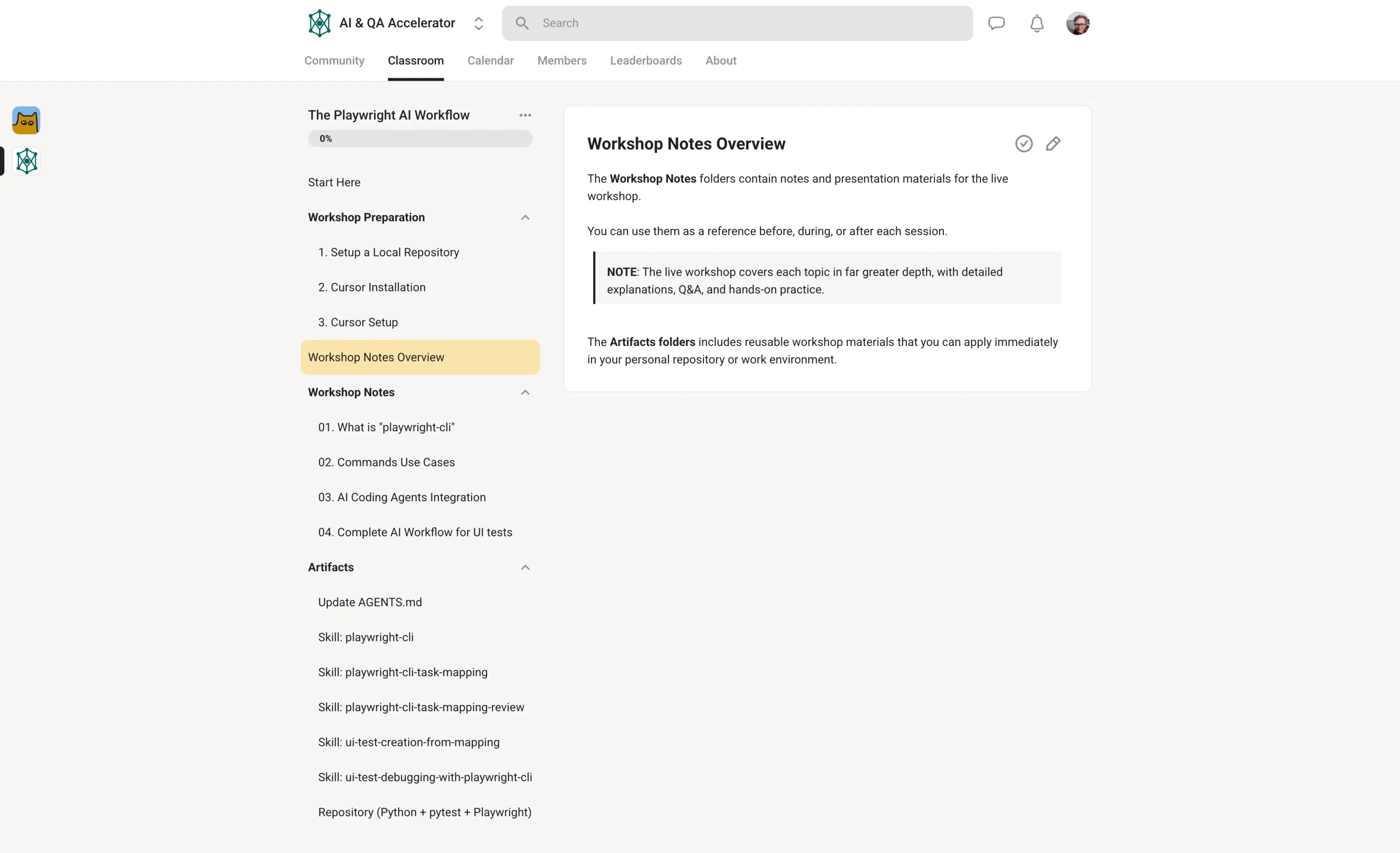
Every session is recorded. Notes and diagrams are included. Refresh your knowledge on any step at any time. Yours to keep, no expiry.
600+ QA engineers in the AI & QA Accelerator community.
Ask questions after the session ends. Post your setup. Learn from engineers solving the same problems. The community stays with you long after the workshop.
What does the week after look like? You get a new ticket to write UI tests. You follow the AI workflow and setup you learned in the workshop. playwright-cli writes the test for you. You lead it. You close the ticket.
What engineers say
Real feedback from real QA engineers
Workshop sneak peek
Watch a sneak peek from inside the workshop
Get a feel for the teaching style and the kind of workflow you will build during the live session.
$97 · one-time · limited seats
Inside the AI & QA Accelerator community
600+ QA engineers are already building AI workflows
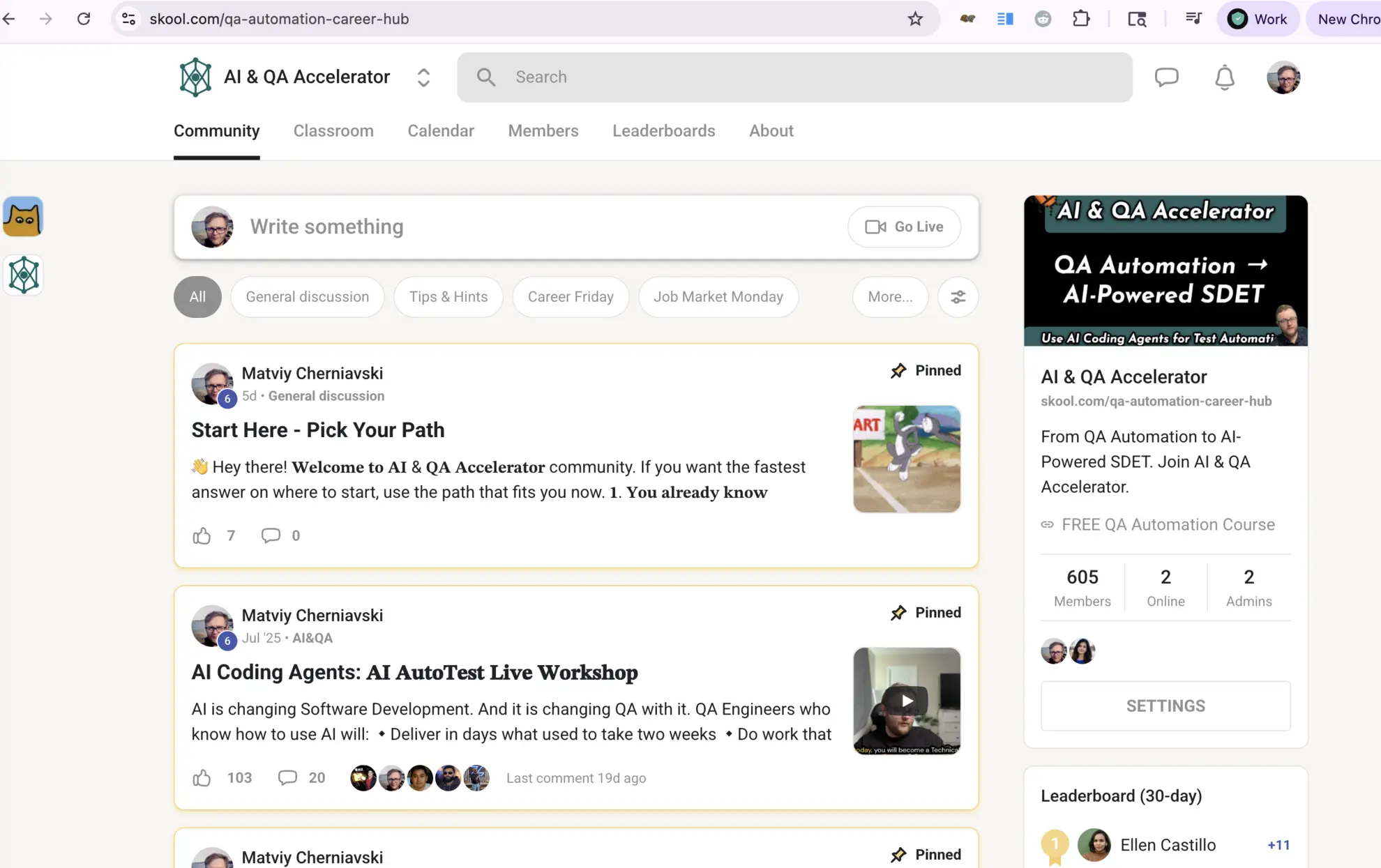
The workshop lives inside the AI & QA Accelerator — a private Skool community where QA engineers learn, share setups, and get answers.

Your Instructor
Matviy Cherniavski
Principal SDET with 10+ years in QA automation. I built and tested this workflow inside a real QA engineering team before running it as a workshop. This session compresses months of experiments and failures into 2 hours.
I also run the AI & QA Accelerator community, where 600+ QA engineers learn how to use AI in their day-to-day automation work.
How The Playwright AI Workflow works
From checkout to a working AI test setup — in one session.
Purchase access to the workshop
Complete the secure checkout on this page. No account needed. Your seat is confirmed as soon as payment succeeds.
Receive access instructions
After purchase you get detailed instructions on how to join the preparation classroom where the setup guide, session details, and prep materials are.
Do the local setup
Follow the prep checklist from the classroom before the session. Takes 15–20 minutes. Everything you need is provided.
Attend the live workshop
120 minutes. Follow along on your own machine and build the workflow with the group in real time.
Lifetime access to all materials
Keep the session recording, notes, references, AI agent setups, and prompts. Revisit any time.
What you leave with
Hands-on experience using
playwright-clion real test automation tasksA working setup you can drop into your own repository the same day
A deep understanding of
playwright-cliand AI agent integration so you can lead your team's AI adoption for UI testingGuidelines on how to add these skills to your resume and talk about them in interviews
How your team will see you after
Your manager asks you to demo the AI workflows you built.
Teammates ask you about how to use AI.
You are irreplaceable
In your next 1:1 or interview, you're not saying "I tried AI for UI tests." You're describing a production AI workflows you already run.
The Playwright AI Workflow
Tuesday · 6 PM PT
- Live 2-hour workshop — Go from AI slop to AI agents that write UI tests like real QA engineers.
- Full session replay — Rewatch the workshop on your own timeline.
- Workshop class area — AI agent setups, instructions, prompts, and session notes. Unlocked in Skool after you DM me with your checkout email.
- AI and QA Accelerator community — 600+ QA engineers solving the same problems. Post a question after the session ends. Get a real answer.
Note
You also need an AI coding agent to follow along: Cursor, GitHub Copilot, Claude Code, or any similar tool you already use. I'll demo with Cursor, but playwright-cli works with whatever agent you have.
Don't have one yet? Start with a month of Cursor for $20.
After payment you'll be redirected to a thank-you page with all the instructions on how to join the workshop.
Seats are limited. When they are gone, you wait for the next date.
Risk-free
The Working Setup Guarantee
Attend the live session and follow the setup steps. If you leave without playwright-cli running in your own repo and generating UI tests, message me. I will work with you personally until it does. No time limit, no extra charge.
One condition: attend the full workshop live.
Not a fit for:
- Manual testers without a coding background
- Anyone looking for a generic overview of AI tools. This is a hands-on workshop for QA Automation Engineers and SDETs.
FAQ
Ready to build the workflow?
Join the next live session. Leave with a working setup on your own machine.
Get Your Seat